
For salons & spas

Show off your team's best work — updated from their phones.

Stylists save their best before-and-afters to a shared Dropbox or OneDrive folder from the salon's phone. FolderBloom turns it into a beautiful lookbook on your website, sorted by service.

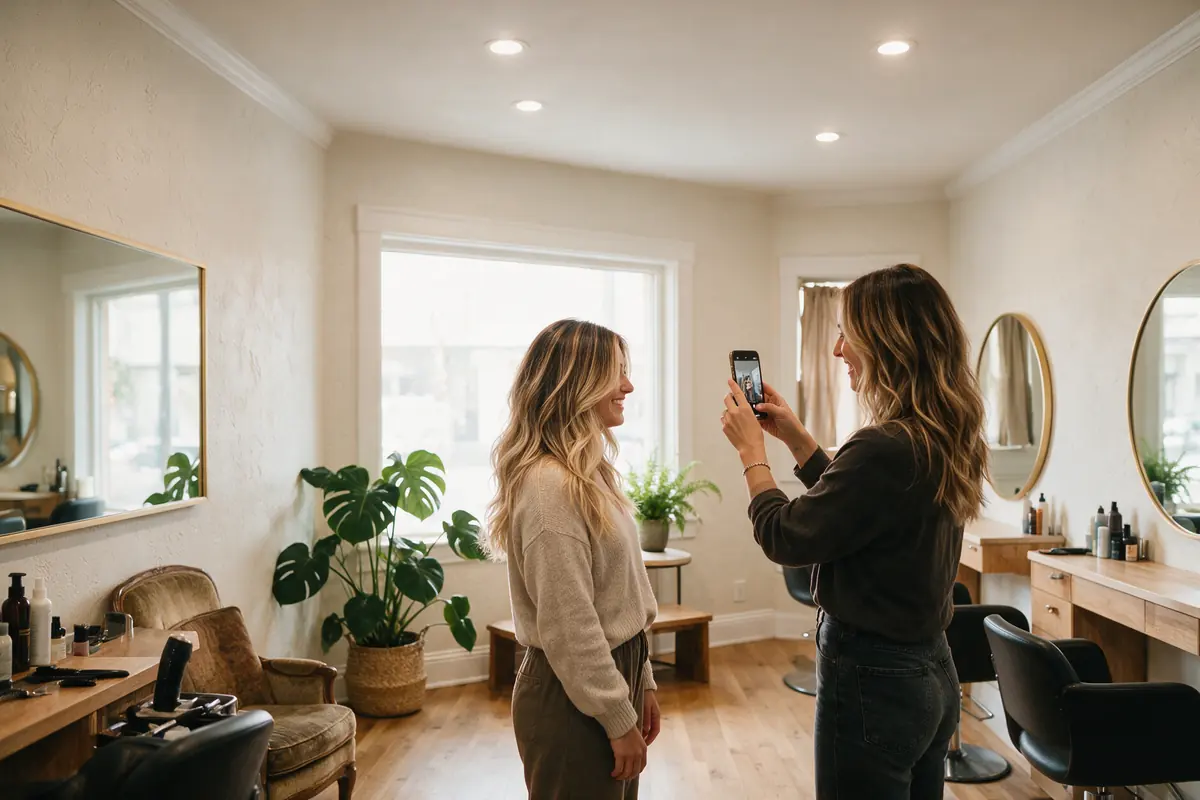
Stylist photographing a client's finished hairstyle in a bright salon
How you'd use it

Three ways salons & spas use FolderBloom

01

A lookbook by service

One folder per service keeps the gallery organised. New photos appear after the next sync — usually within seconds.

Your folder
  • Dropbox / Website / Lookbook
  • Color & Balayage / 64 photos
  • Cuts & Styling / 41 photos
  • Bridal / 22 photos
  • captions.csv
On your websiteMasonry gallery
  • Folder tabs for each service
  • Captions like “Balayage by Maya” from captions.csv
  • Lightbox for a closer look
02

Uploads straight from the salon floor

Use the Dropbox or OneDrive phone app to save photos into the right folder. No website login, no resizing, no Instagram-only posting.

Your folder
  • Phone → Dropbox app
  • Lookbook / Color & Balayage
  • + IMG_4821.jpg
  • + IMG_4822.jpg
On your websiteAuto-optimized
  • Resized for every screen automatically
  • Hide a photo instantly from the dashboard
03

Service menu and policies

Keep your service menu, gift card terms and cancellation policy current and link them from booking confirmations.

Your folder
  • Dropbox / Website / Salon Info
  • Service Menu.pdf
  • Cancellation Policy.pdf
  • Gift Card Terms.pdf
On your websiteCards
  • Permanent links for booking emails
  • Update prices by replacing the PDF
Why it fits

What makes it work for you

Post from any phone

If your team can save to Dropbox or OneDrive, they can update the website.

Galleries that look professional

Masonry and grid layouts, captions and a lightbox — matched to your salon's colours.

Hide a photo in seconds

Remove a photo from the site instantly from the dashboard, or just delete it from the folder.

Fast on mobile

Photos are compressed and resized for each screen, so the lookbook loads quickly.

Recommended package

Files + Basic

500 photos is plenty for a curated lookbook. Choose Plus if you keep every look from every stylist.

Compare all packages

Good to know

Always get your client's permission before posting their photo — a quick signed photo release at checkout works well.

iPhones save photos as HEIC by default, which galleries don't support yet — set Camera → Formats to “Most Compatible” (JPEG) on the salon phone.

Questions

FolderBloom for salons & spas: FAQ

Is this an Instagram feed?

No — it shows photos from your own folder on your own website, so you control what appears and it keeps working if social platforms change.

Can each stylist have their own gallery?

Yes. Give each stylist a folder and embed each one on their profile page.

How quickly do new photos appear?

Usually within seconds of saving; the scheduled check catches anything missed.