
For schools, churches & nonprofits

Newsletters, forms and photos your community can actually find.

Volunteers and staff already share a Dropbox or OneDrive folder. Publish it on your website so families always find the latest newsletter, the right permission slip and last week's event photos.

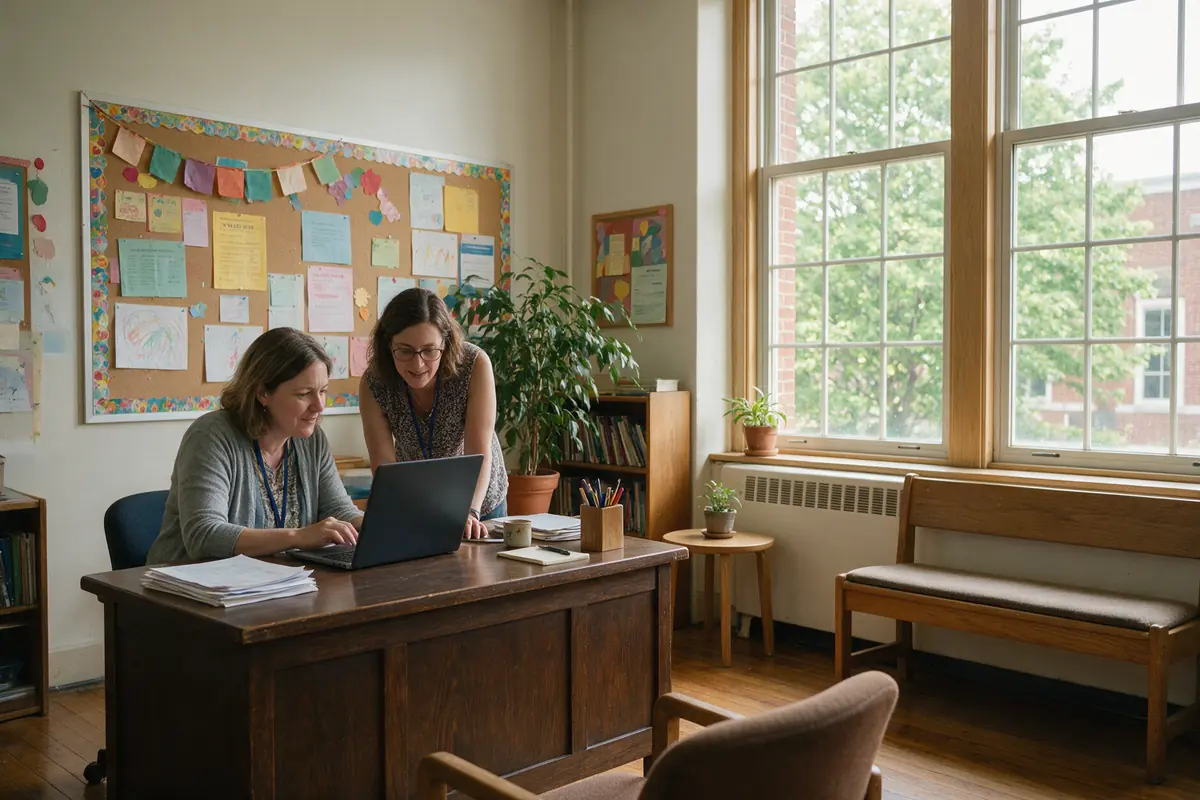
Teacher and volunteer working at a laptop in a school office
How you'd use it

Three ways schools, churches & nonprofits use FolderBloom

01

Newsletters and calendars

Save each newsletter into the folder and the archive updates itself, newest first.

Your folder
  • OneDrive / Website / Newsletters
  • 2026-09 September Newsletter.pdf
  • 2026-08 August Newsletter.pdf
  • School Calendar 2026-27.pdf
On your websiteFile table
  • Sorted newest first
  • Search across every issue
02

Forms and permission slips

Field-trip slips, volunteer applications and registration forms in one place — replace a form and every link updates.

Your folder
  • OneDrive / Website / Forms
  • Field Trip Permission.pdf
  • Volunteer Application.pdf
  • Registration 2026.pdf
On your websiteCards
  • Permanent links for emails and flyers
  • See which forms are downloaded
03

Event photos for families

Share photos from the fall festival or the youth retreat with families through a password-protected gallery.

Your folder
  • OneDrive / Website / Event Photos
  • Fall Festival 2026 Password
  • Spring Concert 2026 Password
On your websiteUniform grid
  • Families-only with a shared password
  • Hide any photo instantly
Why it fits

What makes it work for you

Volunteer-friendly

Anyone with access to the shared folder can update the website.

Families-only galleries

Password-protect event photos so they aren't public.

Easy to find

Search, folders and breadcrumbs make big archives simple to browse.

Links that last

Put links in newsletters and flyers without worrying they'll break.

Recommended package

Files

Newsletters, forms and calendars need only the file library. Add Gallery Basic for event photos.

Compare all packages

Good to know

Follow your photo consent policy before publishing pictures of children, and prefer password-protected galleries for them.

Share the password through your usual family channels (newsletter, parent app), and change it each school year.

Questions

FolderBloom for schools, churches & nonprofits: FAQ

Can volunteers update it without website access?

Yes — they only need access to the shared Dropbox or OneDrive folder.

Do you offer nonprofit pricing?

Pricing is the same simple $60 a year per website, with optional gallery tiers.

Can we keep old newsletters?

Yes — keep them in the folder as an archive, or move them to a subfolder like “Past years”.